



What Is an Invoice?
An invoice is a commercial document issued by a seller to a buyer that itemizes the products or services provided, states the amount owed, and requests payment by a specified date. Unlike a receipt — which confirms that payment has already been made — an invoice is forward-looking: it creates a written record of the obligation and starts the clock on the payment terms. For most small businesses, freelancers, and tradespeople, the invoice is the single most important document in the cash-collection process, and a clear, professional invoice is one of the fastest ways to reduce late payments.
A well-built invoice contains the seller's business identity, the customer's billing details, a unique invoice number, line items with quantities and prices, applicable taxes, the total due, and the payment terms. It can be delivered as a printed document, a PDF attached to an email, or generated through accounting software. Because invoices are central to bookkeeping, taxes, and dispute resolution, they should be issued promptly after the work is completed and stored in an organized system you can search later.
Different industries call for different invoice layouts. A construction contractor needs fields for change orders and progress draws; a photographer needs licensing and usage notes; a law firm needs billable hours and trust account references. Our templates start with a clean foundation and add the right line items for your specific trade so you can bill accurately and look professional without rebuilding the form every time.
Get Paid Faster
Clear payment terms and due dates reduce late payments and accounts receivable disputes
Tax Ready
Built-in fields for sales tax, discounts, and totals make tax season far easier
Industry-Specific
Templates tailored to 15+ trades so the line items match how you actually charge
Invoice Form Preview
Below is a visual preview of the layout and fields included in a standard invoice. Your final document will be fully formatted and customized for your business and the specific trade you selected.
INVOICE
Bright Sky Catering Co.
218 Market St, Austin, TX 78701
Invoice #: 2026-1042
Date: 04/06/2026
Due: 05/06/2026
| Description | Qty | Rate | Amount |
|---|---|---|---|
| Plated lunch service (3 courses) | 85 | $32.00 | $2,720.00 |
| Service staff (4 hrs) | 6 | $45.00 | $1,080.00 |
| Linen and tabletop rental | 1 | $385.00 | $385.00 |
Types of Invoices by Industry
Every trade bills a little differently. Choose the template that matches how you charge — hourly, by project, by line item, or by milestone — and the form will pre-fill the right fields and language for your industry.
Catering Invoice
Itemize food, service staff, rentals, gratuity, and event-day charges for catering jobs
Cleaning Invoice
Bill recurring or one-time residential and commercial cleaning services with hourly or flat rates
Construction Invoice
Track labor, materials, change orders, and progress billing for construction contractors
Consulting Invoice
Bill professional consulting services by the hour, day, project milestone, or retainer
DJ Invoice
Charge for performance hours, equipment rental, travel, and add-on packages for DJ services
Dental Invoice
Itemize dental procedures, insurance adjustments, and patient balances for dental practices
Freelance Invoice
Bill independent contractor work for design, writing, development, and creative services
Handyman Invoice
Bill home repair, assembly, and small-job services with labor and materials breakdowns
Landscaping Invoice
Charge for lawn care, landscape design, hardscaping, and seasonal property maintenance
Legal Invoice
Bill billable hours, expenses, and trust account activity for attorneys and law firms
Painting Invoice
Itemize prep work, paint, labor hours, and square footage for interior and exterior painting
Photography Invoice
Charge for shoots, editing time, prints, digital files, and licensing for photographers
Plumbing Invoice
Bill emergency calls, parts, labor, and trip charges for plumbing service work
Roofing Invoice
Itemize tear-off, materials, labor, dump fees, and warranty terms for roofing jobs
Service Labor
General service and labor invoice billing hourly work, parts, and trip charges for trades
How to Create an Invoice
A professional invoice takes about five minutes to put together once you have the right template. Follow these steps to bill any client cleanly.
- 1
Add your business details
Include your business name, address, phone, email, website, and tax ID or EIN if applicable. A consistent header makes you look established.
- 2
Identify the customer
Enter the customer's full legal business name, billing contact, address, and any internal PO or project reference they require to process payment.
- 3
Assign a unique invoice number
Use a sequential number (1001, 1002, 1003) so every invoice can be traced individually in your books.
- 4
Itemize the work
List each product or service on its own line with a clear description, quantity, unit rate, and line total. Avoid vague entries like 'services rendered.'
- 5
Calculate tax and total
Add the subtotal, apply any required sales tax, list discounts, and show the grand total in bold so the customer cannot miss it.
- 6
State payment terms and due date
Spell out the payment terms (Net 30, Due on Receipt, etc.), the due date, accepted payment methods, and any late fees.
- 7
Send and track
Email the PDF or hand-deliver a printed copy, save a copy in your records, and follow up the day after the due date if payment hasn't arrived.
Key Components of an Invoice
Every invoice should include the following core elements. Missing fields are one of the most common reasons accounts payable departments delay or reject payment.
Header and branding
Business name, logo, address, and contact information
Invoice number and date
Unique sequential number plus the issue date and due date
Bill-to information
Customer name, billing contact, address, and PO reference
Line items
Itemized list of work with quantities, rates, and amounts
Subtotal, tax, and total
Clear math leading to a single bold amount due
Payment terms
Net terms, due date, accepted methods, and late fee policy
Notes or thank-you message
A short personal note increases on-time payment
Tax ID or EIN (if required)
Needed by some corporate AP departments and government clients
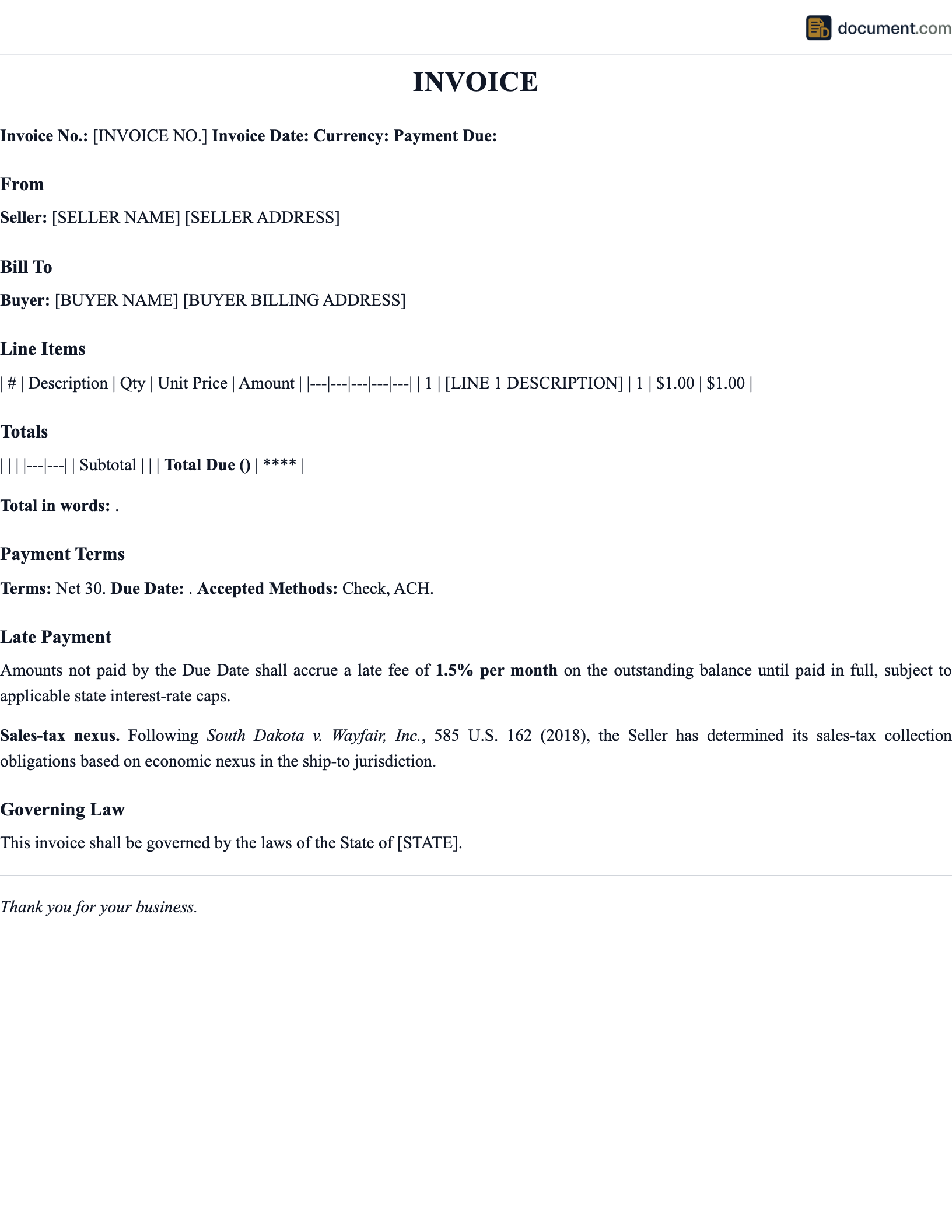
Sample Invoice
Below is a condensed text version of a standard service invoice. Your finished document will be fully styled and tailored to your industry.
INVOICE
[Your Business Name]
[Street Address, City, State ZIP] | [Phone] | [Email]
Bill To:
[Customer Name]
[Billing Address]
Invoice #: [####]
Issue Date: [MM/DD/YYYY]
Due Date: [MM/DD/YYYY]
Line Items
1. [Description] — Qty [#] × [$Rate] = [$Amount]
2. [Description] — Qty [#] × [$Rate] = [$Amount]
3. [Description] — Qty [#] × [$Rate] = [$Amount]
Subtotal: [$Amount]
Sales Tax ([%]): [$Amount]
Total Due: [$Amount]
Payment Terms
Payment due [Net 30] from invoice date. Accepted methods: [check, ACH, credit card]. A late fee of [1.5%] per month applies to balances unpaid after the due date.
Thank you for your business.
Frequently Asked Questions
Common questions about invoicing, payment terms, sales tax, late fees, and electronic delivery.
Official Resources
For more on invoicing requirements, tax obligations, and small business accounting, consult these official sources.
IRS - Recordkeeping for Small Business
Federal guidance on which business records and invoices to keep and for how long
SBA - Manage Your Finances
Small Business Administration resources on invoicing, billing, and cash flow
FTC - Business Guidance
Federal Trade Commission rules on truthful billing and consumer-facing invoices
ULC - Uniform Electronic Transactions Act
The model law that makes electronic invoices and signatures legally enforceable
FTA - State Tax Agencies
Directory of every state department of revenue for sales tax registration and rates
AICPA - Accounting Standards
American Institute of CPAs guidance on revenue recognition and billing best practices
Create your Invoice Template in under 10 minutes.
Answer a few questions and download a compliant, attorney-drafted document ready for your state.