



What Is a Receipt?
A receipt is a written acknowledgment that one party has received money, goods, or services from another. Unlike an invoice — which is a request for payment — a receipt confirms that payment has already been made and the transaction is complete. A clear, dated receipt is the single most important piece of documentation in almost every cash or informal transaction, because it creates an independent record that both sides can rely on for bookkeeping, taxes, warranty claims, disputes, and audits.
Receipts come in many forms: a printed retail slip, a handwritten acknowledgment, an emailed PDF, a bank deposit slip, a donation letter from a 501(c)(3) organization, or a landlord's rent receipt. The legal form does not matter nearly as much as the content. A valid receipt names both parties, states the amount paid, describes what the payment was for, records the date and payment method, and is signed or otherwise authenticated by the person or business receiving the money.
Our templates cover the three most commonly requested receipt formats — cash, donation, and rent — plus generic payment receipts for any other situation. Each format includes the specific fields the IRS, state rental laws, or accountants expect to see, so you can issue a receipt that holds up under scrutiny.
Proof of Payment
Creates an independent written record both sides can rely on
Tax Ready
Meets IRS documentation standards for deductions and audits
Dispute Protection
Prevents he-said-she-said disagreements over whether money changed hands
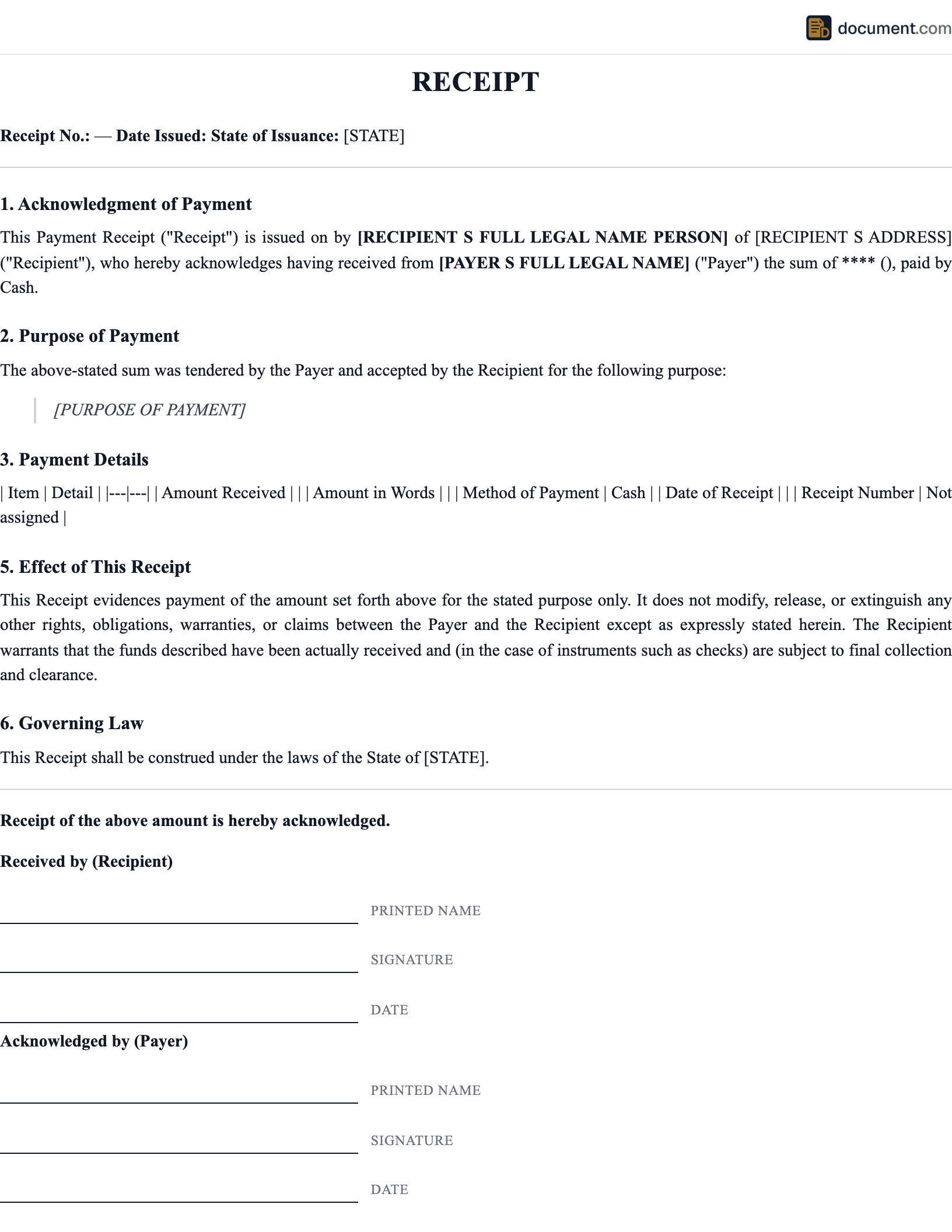
Receipt Form Preview
Below is a visual preview of a standard cash receipt. Your finished document will be fully formatted and customized for the specific receipt type you select.
Receipt
Riverbend Handyman Services
812 Maple St, Asheville, NC 28801 | (828) 555-0142
Six hundred forty and 00/100 dollars
Balance due: $0.00
Paid in full
Types of Receipts
Different situations call for different receipt formats. Choose the template that matches your transaction.
How to Create a Receipt
A valid receipt takes about two minutes to put together. Follow these steps.
- 1
Identify the issuer
Include the business or individual name, address, and phone or email so the recipient can reach you later.
- 2
Identify the recipient
Full name of the person or organization paying. For donations, include the donor's address so they can use it for their tax return.
- 3
Assign a receipt number
Use a sequential number so you can track and retrieve receipts later. Most businesses start at 1001 and go up.
- 4
State the date and amount
The date the payment was received and the exact amount, written in both numbers and words for cash receipts.
- 5
Describe what the payment covered
A clear description of the goods, services, rent period, or donation that the payment is for.
- 6
Record the payment method
Cash, check (with check number), money order, credit card, or electronic transfer. This helps reconcile bank records later.
- 7
Sign and deliver
Sign the receipt and deliver it to the recipient by email, text, or paper copy. Keep a copy for your own records.
Key Components of a Receipt
Every receipt should include the following core information.
Issuer information
Business or individual name and contact info
Recipient information
Full name of the person or party who paid
Unique receipt number
Sequential identifier for tracking and retrieval
Date of payment
The exact calendar date money was received
Amount paid
In numbers and words, with currency clearly stated
Payment method
Cash, check, card, or electronic transfer
Description of the transaction
What the payment covered — goods, services, rent, or donation
Tax (if applicable)
Separate line showing the taxable amount and rate
Signature or authentication
Sign the receipt or include a business stamp
Special IRS or state language
For donations: no-goods-or-services statement; for rent: period covered
Sample Receipt
Below is a condensed text version of a standard receipt. Your finished document will be fully styled and tailored to the receipt type you select.
RECEIPT
[Issuer Name]
[Address] | [Phone] | [Email]
Receipt #: [####]
Date: [MM/DD/YYYY]
Payment Method: [Cash/Check/Card]
Reference: [Check # / Transaction ID]
Received From:
[Full name of person or organization paying]
For:
[Clear description of goods, services, rent period, or donation]
Amount Received:
$[Amount in numbers] ([amount in words])
Balance due: $[amount or 0.00]
Paid in full: [yes/no]
For Donation Receipts Only:
[Organization] is a 501(c)(3) tax-exempt nonprofit. No goods or services were provided in exchange for this contribution. Please retain this receipt for your tax records.
Received by: [Signature] [Name, Title]
Frequently Asked Questions
Common questions about receipt requirements, IRS rules, electronic delivery, donation acknowledgments, and state rent receipt laws.
Official Resources
For more on receipt requirements, IRS rules, and state rental laws, consult these official sources.
IRS - Written Acknowledgments
Official IRS rules for donation receipts and charitable contribution documentation
IRS - Business Recordkeeping
How long to keep receipts and what records are required for tax returns
FTC - Consumer Information
Federal Trade Commission guidance on consumer receipts and disclosure rules
HUD - Tenant Rights
Federal tenant rights including rent receipt and documentation standards
ULC - UETA
Uniform Electronic Transactions Act enabling legally valid electronic receipts
SBA - Manage Your Finances
Small Business Administration guidance on recordkeeping and receipts
Create your Receipt in under 10 minutes.
Answer a few questions and download a compliant, attorney-drafted document ready for your state.